
How To Sleep Better – Biohacking Your Bedroom
When trying to master how to sleep better, the answer doesn’t always lie in ‘body chemistry’, foods you shouldn’t eat, and the fact you can’t

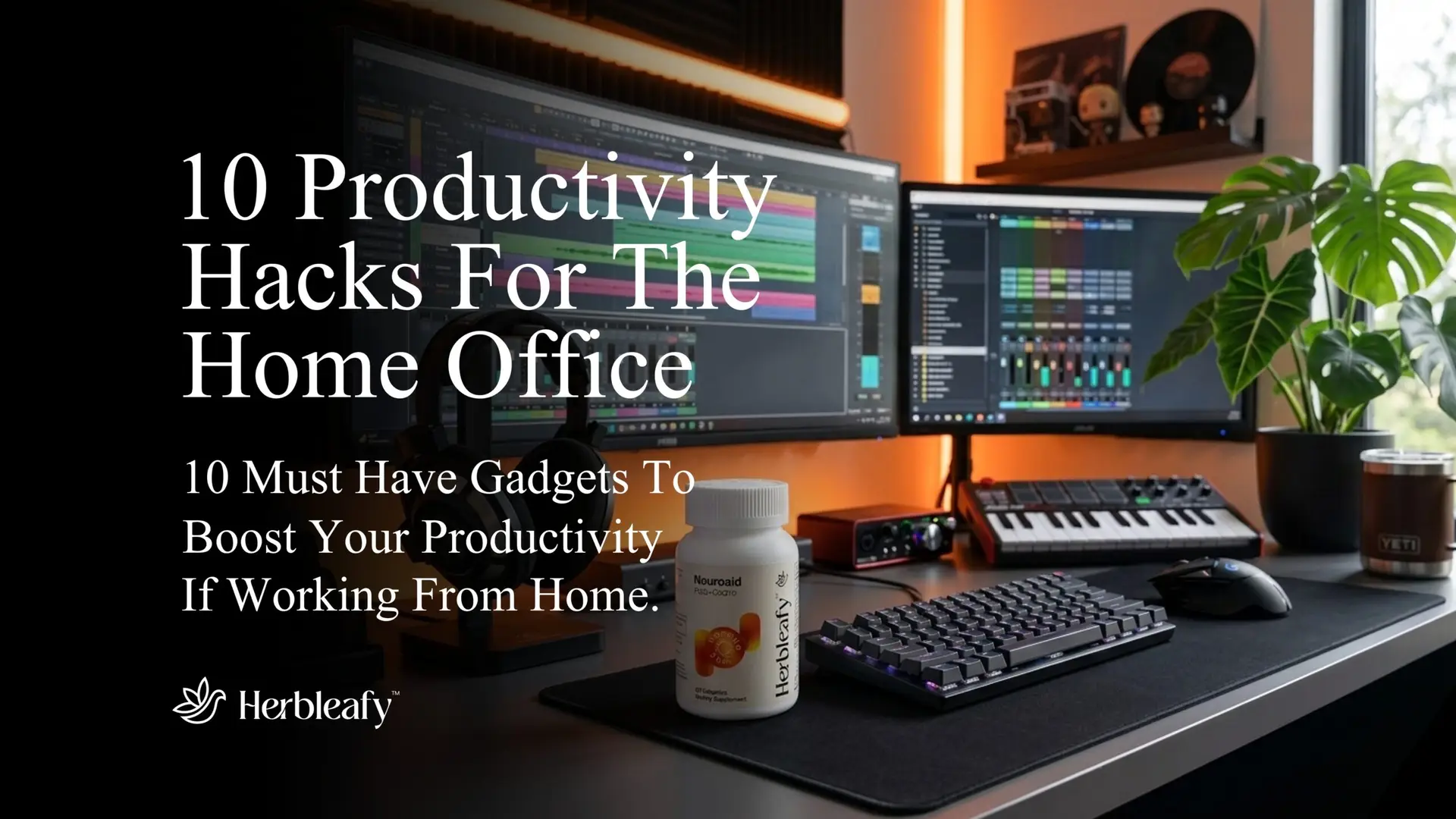
Looking for home office productivity tips?
I’d not be surprised as working from home offers unparalleled freedom, but it also demands an unprecedented level of self-discipline and focus…
Something most of us tragically lack.
Like starting a fresh exercise book on the first day back to school, the enthusiasm is high on day one.
What’s not to love about working from home without having to see your ungrateful boss or insufferable colleagues (beyond the occasional weekly Zoom meeting)?
You are the master of your castle. You save two hours a day on a soul-crushing commute.
And you can wear gym shorts to a board meeting and no one is any the wiser.
But with time, discipline slips.
The snooze button starts to see a little too much action, the evening glass of wine creeps into full-blown day drinking (hurrah!), and our lack of motivation is catching the attention of those with the power to fire us.
Before you know it, your “office” is a chaotic mess of half-empty coffee mugs, tangled charging cables, and a laptop balanced precariously on a pile of socks.

Here is the cold, hard truth we like to ignore: our environment directly shapes our ability to focus and our cognitive output.
Our brains are incredibly sensitive to external cues (and even more so if you suffer with ADD/ADHD).
When our physical workspace is chaotic, uncomfortable, and unstimulating, our subconscious mind often interprets that as permission to slack off.
It is tough to expect a solid days work when we are working from a setup that resembles a teenager’s bedroom.
But let’s be honest for a second…
While a clean desk often helps, sometimes that simply isn’t enough.
We’ve all meticulously organized our pens, wiped down the monitor, and still found ourselves completely unable to focus.
So, at Herbleafy, we have put together this listicle detailing our go-to top 10 home office productivity tips to turn that spare bedroom into a productivity powerhouse.
These suggestions may save you time, money, or offer convenience, but all will assist in making your home office (and YOU) more efficient.
So, counting down from 10, let’s look at these low cost home office prodctivity tips and upgrades…
Productivity Score: 7.2/10
The Verdict: Incredible value for physical stamina, even if it looks like something your grandpa would buy.
Cost: Low ($20 – $40)
Setup Effort: Zero. Drop it under the desk and forget it.

When we think about building a high-performance home office, we usually dream about massive curved monitors, sci-fi glowing keyboards, or sleek oak desks.
Nobody fantasizes about a sloped block of foam or a wired ‘walker looking’ frame sitting under their desk.
It is easily the least sexy purchase you can make for your workspace.
But here is the reality of working from home: most of us are absolute disasters when it comes to posture.
We start the morning sitting upright like a model employee.
By 11:00 AM, we have slouched.
By 2:00 PM, we are practically sliding under the desk, spine curved like a shrimp, with our legs crossed in some bizarre pretzel position.
When our lower half is cut off from proper blood flow, our body gets tired faster.
And when our body gets tired, our brain takes the hint and checks out early.
An ergonomic footrest forces a subtle but massive shift.
By elevating our feet just a few inches and angling them slightly, it automatically tilts our pelvis back into the correct position.
It relieves that dull, aching pressure in our lower back that usually starts screaming at us around 3:00 PM.
Suddenly, we aren’t fidgeting every five minutes or constantly getting up to “stretch” (which is usually just an excuse to walk to the fridge for the fourth time).
We are giving this a 7.2/10.
It loses points because, let’s face it – it won’t magically stop us from opening X and doomscrolling for hours.
But for under forty bucks and no setup time, the physical stamina it gives us to stay in our chair without aching is a massive win for the day.
Productivity Score: 7.5/10
The Verdict: Budget-friendly eye strain prevention that stops the 3:00 PM crash.
Cost: Low to Medium ($30 – $60)
Setup Effort: Low. Clamp it to your desk and plug it in.
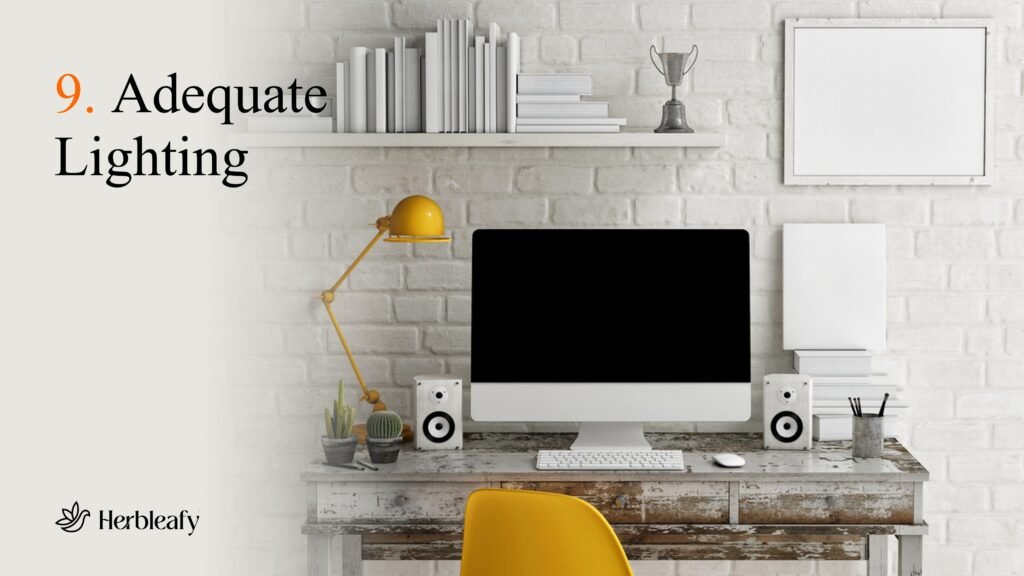
Most of us treat home office lighting as an afterthought.
We either sit in a dimly lit room like a cybercriminal hacking a mainframe, or we’re under some harsh, aggressive overhead ceiling light as if I was at the dentists!
Neither of these is doing our brain any favors.
When the lighting in our workspace is poor or unbalanced, our eyes have to work double-time just to read the text on our screens.
We don’t notice it happening in real-time, but by mid-afternoon, that subconscious squinting catches up to us.
It manifests as a dull tension headache, dry eyes, and a sudden wave of mental exhaustion.
We mistake it for a lack of willpower, but often, it’s just our eyes begging for a break.
A dedicated architect-style desk lamp—specifically one with adjustable brightness and color temperature settings—is a massive lifestyle upgrade.
By directing crisp, focused light exactly where our hands and paperwork are, we take the pressure off our eyes.
Even better, being able to switch the tone of the light matters.
In the morning, we can blast our workspace with cool, blue-white light to trick our brain into waking up and feeling alert.
When we are grinding late into the evening, we can switch it to a warm, amber hue so we don’t wreck our melatonin production and ruin our night’s sleep.
hWhen it comes to home office productivity tips, we rank this a 7.5/10.
It gets a solid score because it is cheap, looks great on a desk, and actively prevents the physical fatigue that kills our afternoon momentum.
It doesn’t rank higher simply because a lamp can’t force us to actually do our work, but it ensures that when we are working, we aren’t blinding ourselves in the process.
Productivity Score: 7.8/10
The Verdict: Huge psychological ROI for a tiny amount of upkeep.
Cost: Very Low ($15 – $35)
Setup Effort: Minimal. Put it in dirt, stick it near a window, and try not to forget it exists.

When it comes to home office productivity tips, you’d be right in wondering what this may have to do with Silicon Valley… And you’d be right to.
But, there is a reason why tech billionaires spend millions of dollars putting actual indoor forests inside their corporate headquarters.
It’s not just for the aesthetics on recruiting brochures.
It’s because staring at cold, lifeless drywall and plastic monitors all day makes our brains feel like they are trapped in a digital prison.
When we look around a room and see absolutely nothing alive, a subtle kind of mental fatigue sets in.
Bringing a few real, live plants into our peripheral vision does something fascinating to our subconscious.
Psychologists call it “biophilic design,” but the simplified version is that our brains evolved in nature, not in sterile cubicles.
Having greenery in our field of view while we work naturally lowers our cortisol (stress) levels.
It also helps drop our blood pressure, and gives our eyes a gentle place to rest when we look up from a spreadsheet.
Now, we aren’t suggesting you buy a high-maintenance exotic fern that wilts the second you look at it wrong. That just adds to your daily anxiety.
Instead, go for the unkillable classics: a Snake Plant, a ZZ Plant, or a Pothos. These things are absolute tanks.
You can neglect them, forget to water them for weeks while you focus on a product launch, and they will still sit there looking vibrant and green.
We score peripheral greenery a 7.8/10.
It takes a tiny bit of effort because you do have to water it occasionally, and it won’t type your emails for you.
But for the price of a couple of burritos, adding a splash of life to a sterile spare bedroom provides a massive psychological lift.
It keeps us calmer under pressure, and makes the workspace a place we actually want to spend time in.
Productivity Score: 8.1/10
The Verdict: The ultimate tool for auditory isolation, only held back by the upfront price tag.
Cost: Medium to High ($150 – $350)
Setup Effort: Low. Charge them up, pair them to your computer, and block out the world.
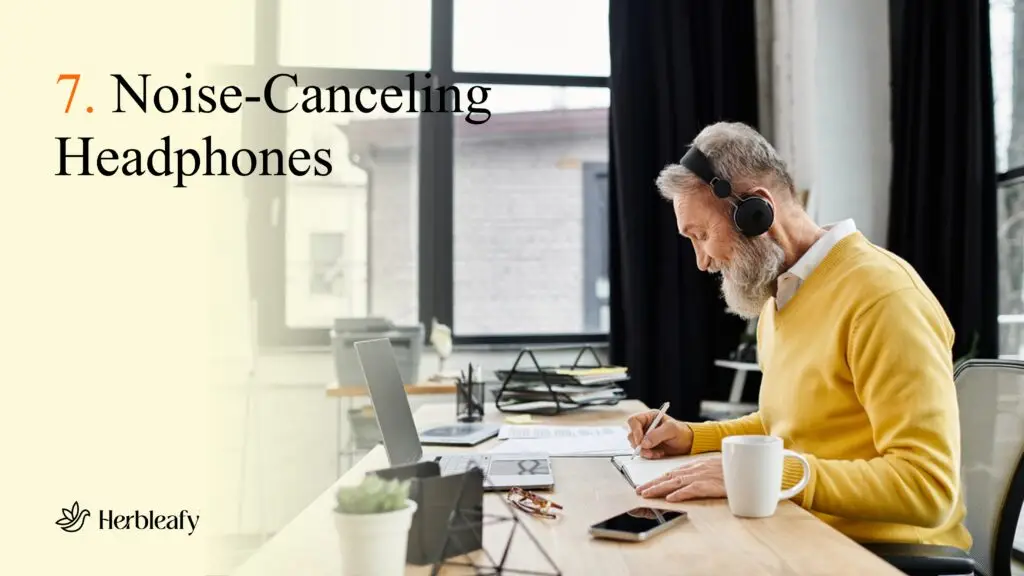
Working from home is supposed to be peaceful, but the reality is loud.
It’s the neighbor mowing their lawn at 10:00 AM, the delivery driver banging on the door, or the partner chatting on their own Zoom call in the room next door.
Every single one of those micro-noises is a sniper targeting our attention span.
When we hear a sudden sound, our brain automatically shifts focus to investigate.
It takes less than a second to happen, but according to productivity researchers, it can take us up to 23 minutes to get back into a state of deep focus after a minor distraction.
If we are getting interrupted five times a morning, our day is essentially ruined.
A solid pair of active noise-canceling (ANC) headphones acts like a fortress for our focus.
The second we flip that switch and the background hum of the world vanishes, our brain gets a clear signal: it’s time to work.
We don’t even need to be blasting heavy metal or intense techno; just putting them on with some low-level lo-fi beats, ambient brown noise, or even complete silence creates an immediate psychological barrier.
As a bonus, wearing a large pair of over-ear headphones serves as a brilliant visual cue to anyone else we live with.
It is the universal home-office code for “Unless the house is burning down, do not speak to me.”
We are ranking noise-canceling headphones an 8.1/10.
They are an absolute lifesaver for anyone trying to find flow in a noisy environment.
The only reason they don’t score higher is the barrier to entry—a genuinely good pair that you can comfortably wear for six hours straight is going to cost some real cash.
But if it saves you two hours of distracted procrastination every day, it pays for itself in a week.
Productivity Score: 8.3/10
The Verdict: Requires some initial elbow grease, but the mental payoff of a clean visual space is massive.
Cost: Low ($15 – $30)
Setup Effort: Medium to High. Prepare to spend an hour crawling around under your desk.
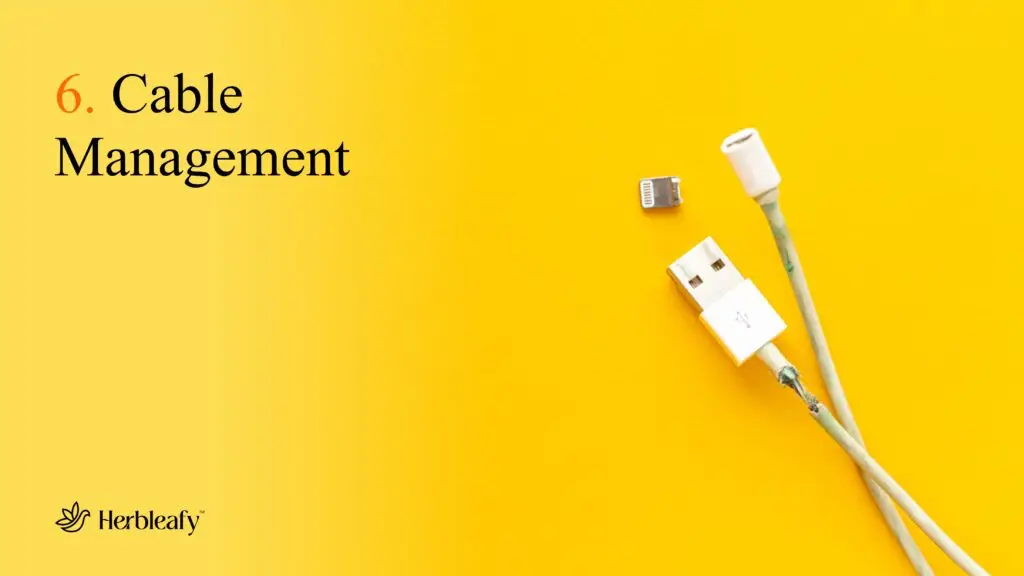
We like to pretend that we aren’t bothered by a mess. We tell ourselves, “I know exactly where everything is in this pile,” or “The wires under my desk don’t affect my work.”
But our brains are visual processing machines, and they are constantly scanning our surroundings.
When your desk is a chaotic web of tangled black power cords, dangling phone chargers, and bulky power strips resting right where your feet are supposed to go, it creates a subtle, low-grade friction.
Visual clutter acts like a browser tab running in the background of your mind, draining your processing power.
Every time your eyes track a stray wire or your foot accidentally kicks a power strip, it’s a tiny reminder of disorder.
Spending twenty bucks on a comprehensive cable management kit—one that includes under-desk trays, velcro ties, and adhesive wire clips—is essentially a form of office therapy.
Yes, the setup is a total pain.
You have to shut down your electronics, crawl around on your hands and knees under your desk, zip-tie your cables together, and mount your power strips out of sight.
It takes about an hour of tedious work, and you will probably question your life choices while doing it.
But the moment you stand back up and look at a completely clean, floating desk setup with zero visible wires? The mental relief is instant.
Suddenly, your workspace feels like a high-end corporate office instead of a makeshift gaming rig.
It brings a sense of calm and professional structure to the room, making it much easier to enter a state of flow.
We score this an 8.3/10.
It ranks incredibly high because it costs next to nothing and delivers a permanent boost to your workday focus.
The only reason it doesn’t break into the 9s is the annoying physical setup required to get it done.
But trust us, once those wires are hidden, you’ll feel like a functional adult who actually has their life together.
Productivity Score: 8.9/10
The Verdict: A non-negotiable requirement for serious professionals who want to make real money.
Cost: Medium to High ($500 – $1,500+)
Setup Effort: Low to Medium. Unbox, sync your accounts, and get to work.
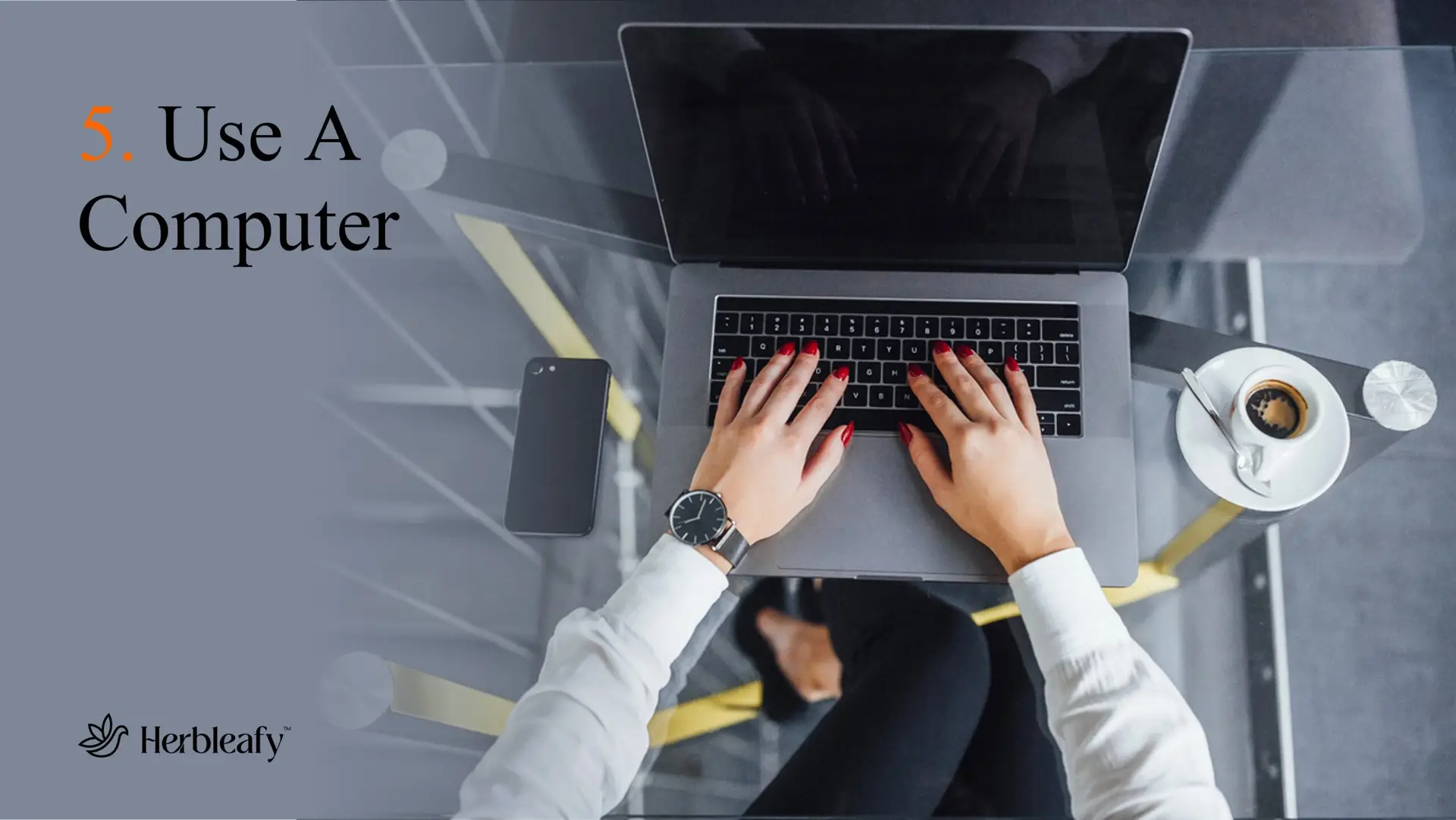
There is a bizarre trend happening right now, especially among the younger crowd of aspiring entrepreneurs and freelancers.
There’s no arguing the fact smartphones have become so incredibly powerful.
Because of this, a lot of people are genuinely trying to run e-commerce stores, write copy, manage clients, and build brands entirely from their phones.
Let’s be completely honest: this is an absolute recipe for failure.
Smartphones are magnificent tools for consumption, but they are inherently hostile to production.
The second you pick up your phone to update an inventory listing or reply to an important client email, your thumb is precisely one millimeter away from Instagram, TikTok, WhatsApp, or a random sports notification.
The entire ecosystem of a smartphone is designed by literal geniuses to shatter your attention span and steal your focus.
Beyond the distraction factor, working on a tiny screen limits your cognitive horizon.
You can’t easily cross-reference three documents at once.
And you can’t type out a thoughtful, comprehensive strategy pitch with your thumbs at lightning speed. You are forced to work in a cramped, reactive, micro-dose fashion.
Moving your primary workflow onto an actual computer completely changes the psychological landscape of your day.
When you sit down, open that screen, and put your hands on a keyboard, your brain receives an undeniable environmental cue: We are at work now.
A computer gives you the digital horsepower to multitask efficiently.
You can both keep your files organized, and view your business from a bird’s-eye perspective rather than through a digital keyhole.
We score an actual computer an 8.9/10.
Obviously, it requires a significant financial investment, and syncing all your software can take an afternoon.
But if you are trying to build a digital empire using nothing but your thumb and a smartphone, you are fighting a losing battle.
Buy a computer, sit at the desk, and start acting like a professional.
Productivity Score: 9.2/10
The Verdict: The absolute fastest way to multiply your daily output speed.
Cost: Medium ($100 – $250)
Setup Effort: Low. Plug it into your HDMI or USB-C port, adjust your display settings, and you’re golden.
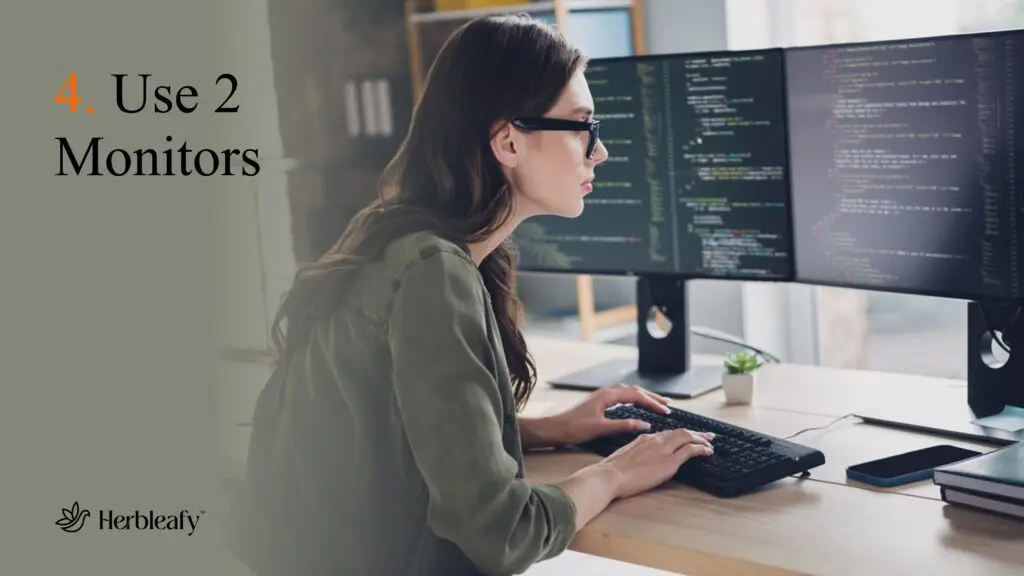
If you are currently trying to run your workday off nothing but a 13-inch laptop screen, you are playing the productivity game on “hard mode.”
Think about how much time you waste every single day doing the “Alt-Tab dance.”
You are trying to write an article or an email, but your reference material is on a PDF.
So you click to the PDF, read a sentence, click back to your Google Doc, type three words, forget the next stat, click back to the PDF, and repeat the cycle.
Every single time you switch tabs, your brain has to manually re-adjust to the new visual layout.
It’s a micro-dose of friction that drains your mental energy over an eight-hour shift.
Worse, it leaves a tab open for distraction—while you’re switching to look for that spreadsheet, you catch a glimpse of your open inbox or a slack notification, and suddenly you’ve lost twenty minutes.
Adding a second monitor to your home office setup completely obliterates this problem.
Suddenly, you have actual digital real estate. You can keep your primary task—the document you are writing, the store you are building, or the video you are editing—dead center on your main screen.
Your reference materials, research notes, or communication channels sit open on the second monitor to your side.
You just glance over with your eyes, get the info you need, and keep your hands typing.
Studies have shown that adding a second screen can boost efficiency by up to 20% to 30%.
It completely unlocks that elusive “flow state” because your tools are laid out in front of you like a chef’s kitchen instead of being buried in a drawer.
We give a dual monitor setup a massive 9.2/10.
Monitors have become incredibly cheap nowadays; you can pick up a beautiful, crisp 24-inch display for the cost of a nice dinner out.
The setup takes less than five minutes, and the immediate surge in your workflow speed is so dramatic that you will genuinely wonder how you ever managed to survive without it.
Productivity Score: 9.4/10
The Verdict: Unmatched tactile feedback, faster typing speeds, and permanent injury prevention.
Cost: Medium ($80 – $200)
Setup Effort: Low. Plug them in or pair via Bluetooth, and you are ready to roll.
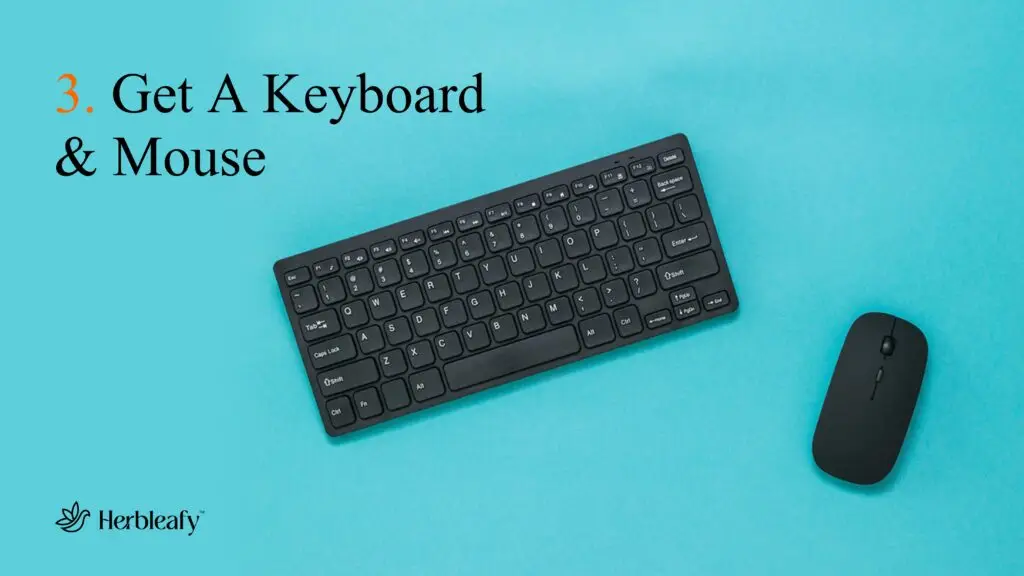
Think about how many hours a day your hands are physically interacting with your desk setup.
If you are a digital professional, writer, or entrepreneur, your keyboard and mouse are your literal tools of the trade.
Yet, most of us will happily type on a cramped, mushy laptop keyboard and use a flat, cheap plastic mouse that came free with a desktop ten years ago.
It is the equivalent of a professional chef using a blunt, five-dollar knife from a supermarket checkout aisle.
First, let’s talk about the keyboard. Standard laptop keys have almost no travel distance.
Typing on them feels like tapping your fingers against a flat piece of glass.
A solid mechanical keyboard utilizes individual physical switches under every single key.
The tactile feedback is immense.
You can physically feel exactly when a keypress registers, which naturally reduces typing errors and significantly increases your words-per-minute speed.
Plus, let’s be honest: the rhythmic, mechanical clack-clack-clack sound is deeply satisfying and tricks our brain into feeling like we are absolutely crushing our goals.
Then there is the mouse. Traditional mice force your forearm to twist flat against the desk, putting constant, unnatural pressure on your wrist tendons and carpal tunnel.
Spend a few hours grinding under that stress, and your wrist starts aching, your forearm gets tight, and your focus shatters.
An ergonomic vertical mouse shifts your hand into a natural, neutral handshake position.
The physical tension instantly vanishes from your wrist and shoulder.
Upgrading the tactile feel of your daily grind completely shifts how it feels to work.
It makes the physical act of typing and navigating a pleasure rather than a chore, while actively saving you from repetitive strain injuries that could sideline your business for weeks.
It is a premium upgrade for a highly reasonable price.
We give this setup upgrade an undeniable 9.4/10.
Productivity Score: 9.6/10
The Verdict: The absolute best physical asset for maintaining all-day energy and crushing the afternoon slump.
Cost: Medium to High ($200 – $600+)
Setup Effort: High. Set aside an afternoon, grab some tools, and prepare for some heavy lifting.
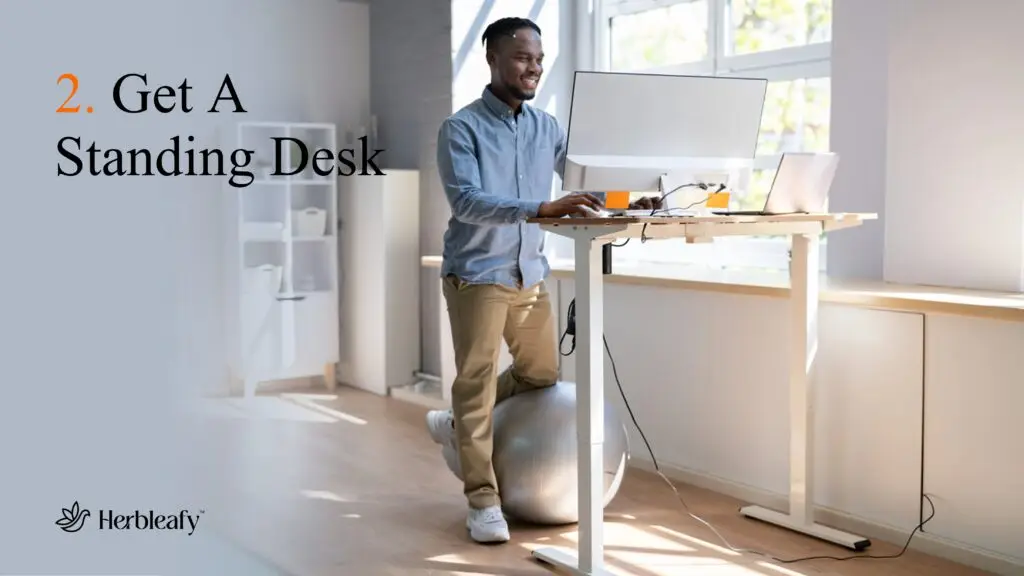
Human beings were simply not built to sit in a chair for eight to ten hours a day.
It doesn’t matter how expensive or ergonomic your office chair is; if your rear end is glued to a cushion from morning till night, your body is actively slowing down.
When we sit for hours on end, our metabolism drops, our blood circulation gets sluggish, and less oxygen reaches our brain.
We all know that exact moment around 2:00 PM or 3:00 PM where the mental fog rolls in.
Your eyes start getting heavy, your focus completely vanishes, and you feel like you need a nap or a massive dose of sugar just to survive the rest of the workday.
We blame our willpower, but the reality is our body has essentially gone into hibernation mode because we haven’t moved.
An adjustable electric standing desk is the ultimate antidote to this daily energy crash.
The magic isn’t in standing all day—standing for eight hours straight will just give you sore feet and a bad back. The magic is in the transition.
The moment you feel your eyelids getting heavy or your mind starting to wander, you hit a button.
The desk smoothly glides up to standing height, forcing you to stretch your legs, adjust your posture, and engage your core.
Instantly, your heart rate ticks up slightly, a fresh surge of oxygen hits your brain, and you feel a natural spike in alertness.
It is like hitting a physical refresh button on your body without needing to step away from your work.
We rank an adjustable standing desk a massive 9.6/10.
It loses a few fractions of a point because a good one requires a real financial commitment, and assembling it can be a sweaty, frustrating two-hour process.
But in terms of its ability to permanently destroy the afternoon slump and keep you physically energized for the long haul, nothing else in the furniture world even comes close.
We have optimized the environment, cleared the desk, upgraded the screens, and fixed the furniture.
Now it’s time for the grand finale.
Productivity Score: 9.9/10
The Verdict: The ultimate cognitive foundation. Cost-effective, zero setup, maximum mental clarity.
Cost: Low (Less than a daily premium coffee)
Setup Effort: Absolute zero. Take it with water in the morning and lock in.

We have spent this entire list looking outward.
We’ve talked about upgrading our monitors, hiding our cables, buying specialized furniture, and filling our peripheral vision with plants.
All of these external upgrades are incredible tools that assist in creating a better workflow.
But let’s face the brutal reality: you can buy a three-thousand-dollar adjustable desk, surround yourself with an indoor jungle, and stare at a dual-monitor setup with hidden wires…
BUT—if your internal brain chemistry is sluggish, foggy, and unfocused, you are still going to spend your day staring at a blank screen and scrolling through your phone.
An expensive desk cannot force your brain to concentrate. A clean workspace cannot synthesize mental drive.
To achieve true, uninterrupted flow, you have to optimize your mind from the inside out.
That is exactly why Neuroaid AM Focus takes our number one spot. It targets the actual engine behind your productivity: your brain.
Formulated with premium, clean, scientifically backed ingredients designed to naturally optimize neurotransmitter pathways, AM Focus delivers sharp mental clarity, sustained concentration, and deep cognitive stamina.
Unlike sugary energy drinks or excessive cups of coffee that leave you crashing and burnt out by noon, AM Focus provides clean, smooth, reliable energy that keeps you locked into your work for hours.
It takes exactly five seconds to use each morning, costs a fraction of a high-end gadget, and sets the mental foundation required to get the absolute maximum value out of every other tool in your home office.
If you want to stop fighting your own mind, stop procrastinating, and finally turn your workspace into a true money-making machine, you have to start with your cognitive foundation.
[Unlock your peak daily output and try Herbleafy AM Focus today.]
Upgrading your home office isn’t about vanity or buying cool gadgets to show off on social media.
It is about removing the friction between your ideas and your execution.
By pairing physical assets like a solid keyboard and an adjustable desk with internal cognitive support like Herbleafy Neuroaid AM Focus, you create an environment where procrastination simply cannot survive.
Let’s take action and pick two or three upgrades from this list to implement this week.
Clear the visual clutter, setup your second monitor, and fuel your brain correctly…
And just watch how quickly your daily output transforms.
When trying to master how to sleep better, the answer doesn’t always lie in ‘body chemistry’, foods you shouldn’t eat, and the fact you can’t

To learn how to beat the afternoon slump, you must optimize your cellular energy by supplementing mitochondrial nutrients like PQQ and CoQ10 with Alpha-GPC. This